Choosing BIM software is one of the most expensive decisions a practice makes — not because of the license price, but because it defines how the team works for years to come. And, curiously, it is one of the most impulsive decisions: someone recommends it, everyone uses it, no one questions it.
This guide turns the choice into a process. It is not about which software is better in the abstract — it is about which is better for you.
1. What the client requires (this criterion overrides the others)
Before anything else, find out what format your deliverable has to be. That answer alone eliminates half the options:
- If the contract requires .rvt, you need Revit — or a partner who has it. No alternative opens the proprietary format.
- If the client accepts DWG, PDF and IFC — the case for the vast majority of architecture projects — every tool on the market works, and you can choose by speed and cost.
Practices lose months evaluating software they could never use because of a contract clause. Start here.
2. Team size and profile
| Profile | What matters most | Type of tool |
|---|---|---|
| Freelancer / 1–2 people | Speed and cost; there is no time for long training | A light tool with a fast learning curve |
| 3–10 people | Standardization and collaboration between designers | A tool with its own libraries and simple exchange |
| 10+ people | Multidisciplinary coordination and version control | A complete BIM suite with worksharing |
| Mixed team (Mac + Windows) | Native support for both systems | ArchiCAD or Vectorworks today; Plare in its Windows phase |
Qualitative comparison based on public documentation and day-to-day use of the software. Prices change often — always check the official site before deciding.
3. Where your bottleneck is
The most useful question is: at what point in the project do you lose the most time?
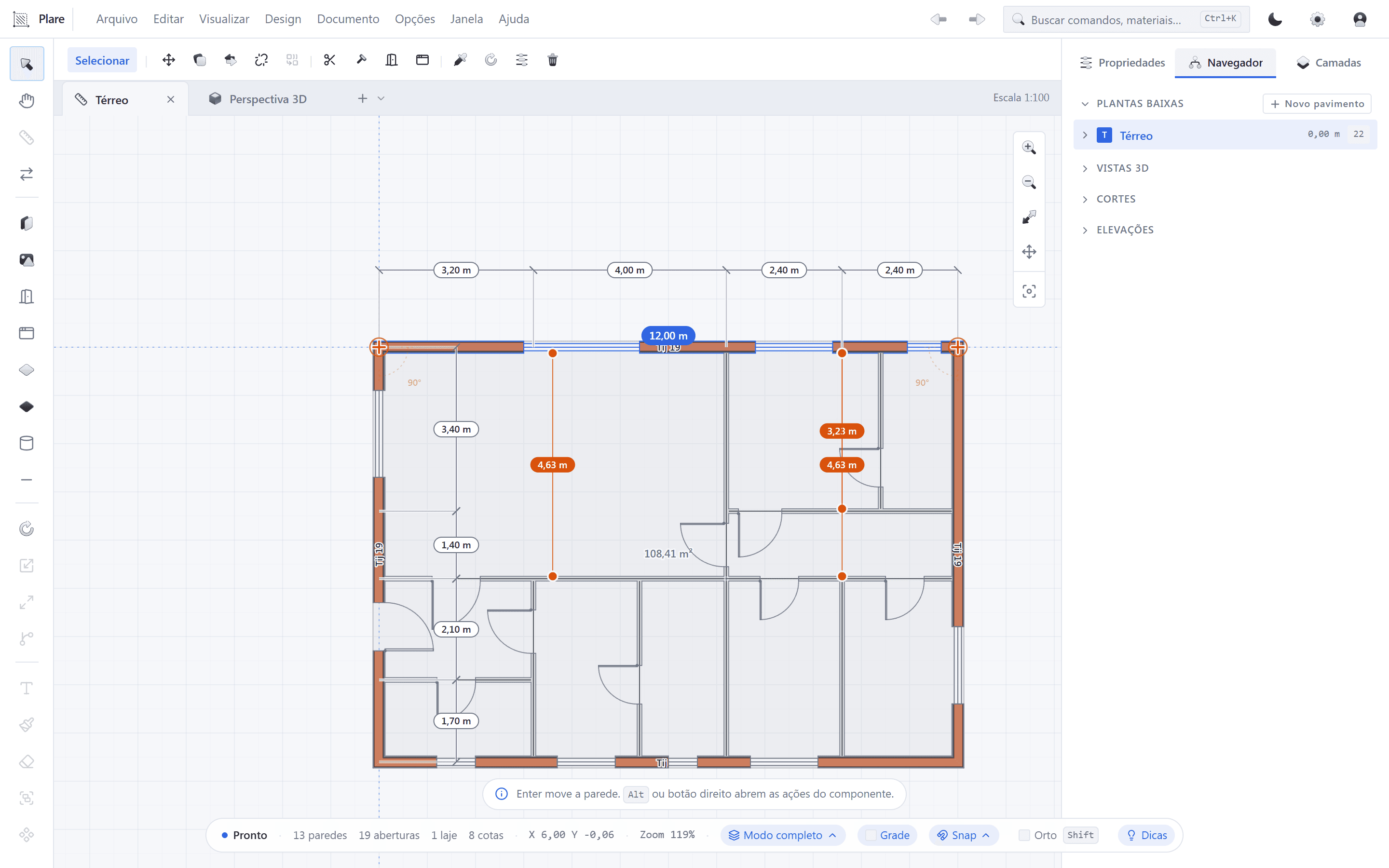
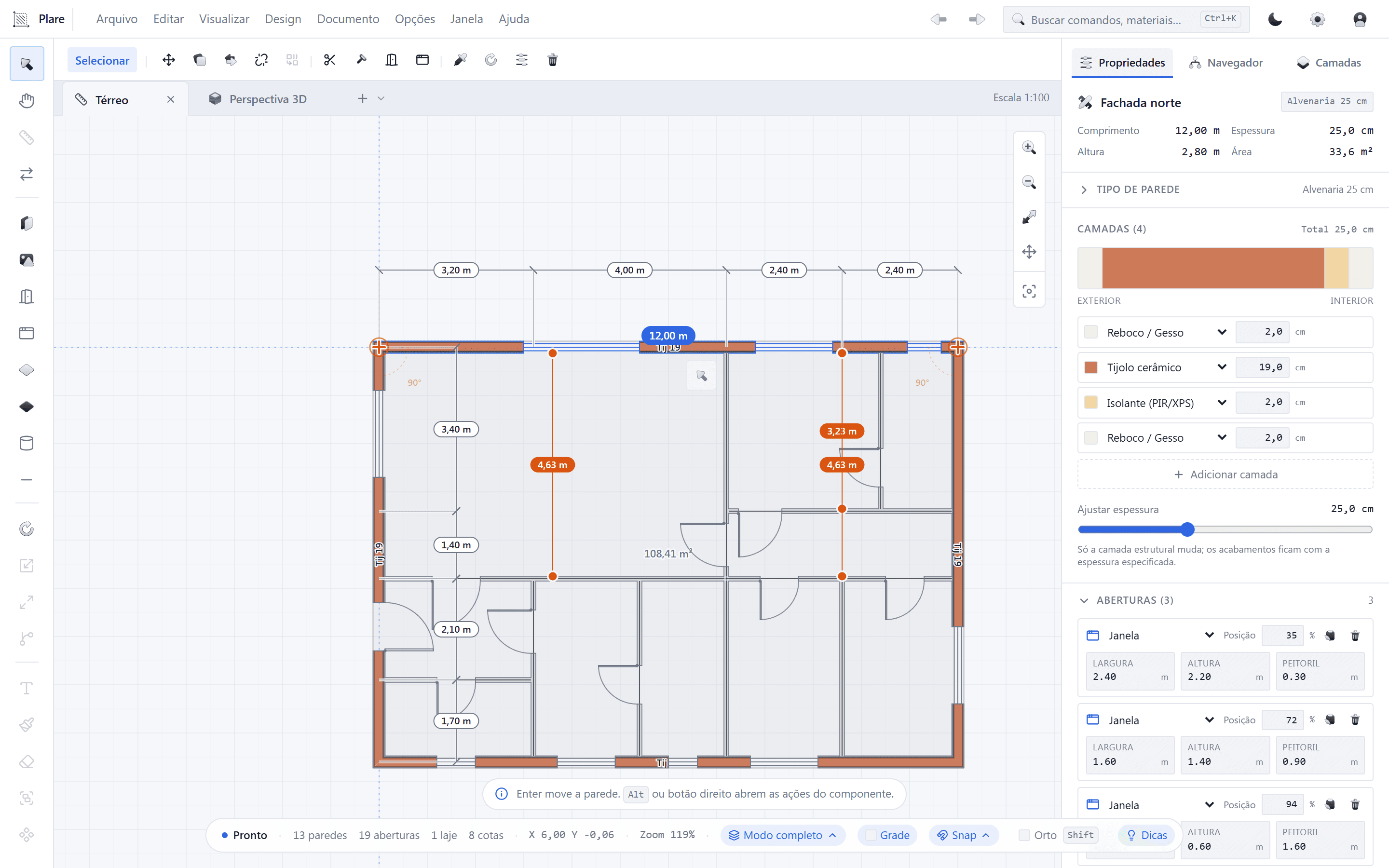
- Layout study and client approval → look for a tool with unified 2D and 3D and fast iteration. That is Plare’s proposition.
- Documentation and detailing → look for a tool with refined sheet generation, such as ArchiCAD.
- Coordination with structure and MEP → look for a suite with worksharing and clash detection, such as Revit.
- Images and presentation → consider tools with integrated rendering or a clean export workflow.
Buying the wrong tool for your bottleneck is the most common mistake: you solve a problem you do not have and are left with the one you did.
4. The hardware you have (not the one you dream of)
Evaluate the software on the machine your team uses today. If the tool requires an upgrade of RAM, SSD and graphics card to run your projects smoothly, that cost goes into the calculation.
Tools with a native core and a lean architecture — like Plare — were designed precisely to keep the response instant on modest hardware, postponing that investment.
5. Total cost, not the monthly fee
The honest calculation has four lines:
- License × number of workstations × 12 months.
- Hardware that will need to be bought or replaced.
- Training hours × the team’s hourly cost.
- Drop in productivity during the transition — usually 4 to 8 weeks.
In most cases, lines 3 and 4 add up to more than line 1. That is why a simpler (and even less powerful) tool can be the financially best choice for a small practice.
6. Open-format output as an exit clause
Regardless of what you choose, require that the tool export DWG and IFC with quality. This is what guarantees you can switch software in the future without redoing your archive — and it is what lets you collaborate with those using another tool.
Think of it as an exit clause: the day the software changes its price, its owner or its direction, you need to be able to leave taking your projects with you.
The two-week test
After filtering the options with the six criteria, run the test below with the two finalists:
- Take a real, small, recent project — preferably one you have already delivered.
- Redo it from scratch in the new tool and time how long it takes to reach the first consistent sheet.
- Do a radical layout revision — move walls, change the position of rooms — and time it again.
- Export DWG and IFC and open them in the software you use today to see what survived the trip.
- Hand the result to someone on the team who did not take part in the test and ask: “was this easier or harder than usual?”
The second step is the most revealing: the gap between the first version and the first revision measures exactly the rework cost the tool imposes on you.
The number that matters
Mistakes that cost you dearly
- Choosing by what the market uses, rather than what your client requires.
- Buying the most complete tool and using 15% of it — while paying 100%.
- Ignoring the training cost, which almost always exceeds the license in the first year.
- Migrating everything at once, in the middle of a construction job, with no pilot project.
- Accepting a closed format and discovering on the way out that your archive is held hostage by the vendor.
Test at no cost during the Closed Beta
Run the two-week test on Plare without spending a thing: draw the plan, see the 3D in real time and export DWG/IFC.
Disclosure: this blog is maintained by the team building Plare. Comparisons are written from public documentation and everyday use of the tools mentioned — when a competitor is the better choice for a scenario, we say so. Plare features still in development may change before launch.
Frequently asked questions
- What is the best BIM software for a small practice?
- For most small practices, the best software is the fastest to learn that still delivers consistent plans, sections, elevations and quantities. Plare was designed for exactly that profile — and it is free during the Closed Beta — while ArchiCAD and Vectorworks are the most recommended mature options when there is a budget.
- How much does it cost to implement BIM in a practice?
- The cost goes beyond the license: it includes hardware, training hours and the drop in productivity during the transition. In small practices, the most expensive item is almost always the adaptation time, not the monthly fee.
- Do I need to change computers to use BIM?
- It depends on the tool. Traditional BIM suites demand a lot of memory and processing power. Modern tools with a native core, such as Plare, were designed to run well on modest machines, which postpones or eliminates the hardware investment.
- How do I know whether the team will adapt?
- Run a short pilot project with the whole team and measure the time to the first sheet. If after two weeks the basics do not come naturally, the learning curve is incompatible with your operation.
- Can I keep two pieces of software at the same time?
- You can, and during a transition it is advisable. What matters is clearly defining which tool is the source for each stage — study, documentation, coordination — so you do not end up with two divergent models of the same project.