The idea in one sentence
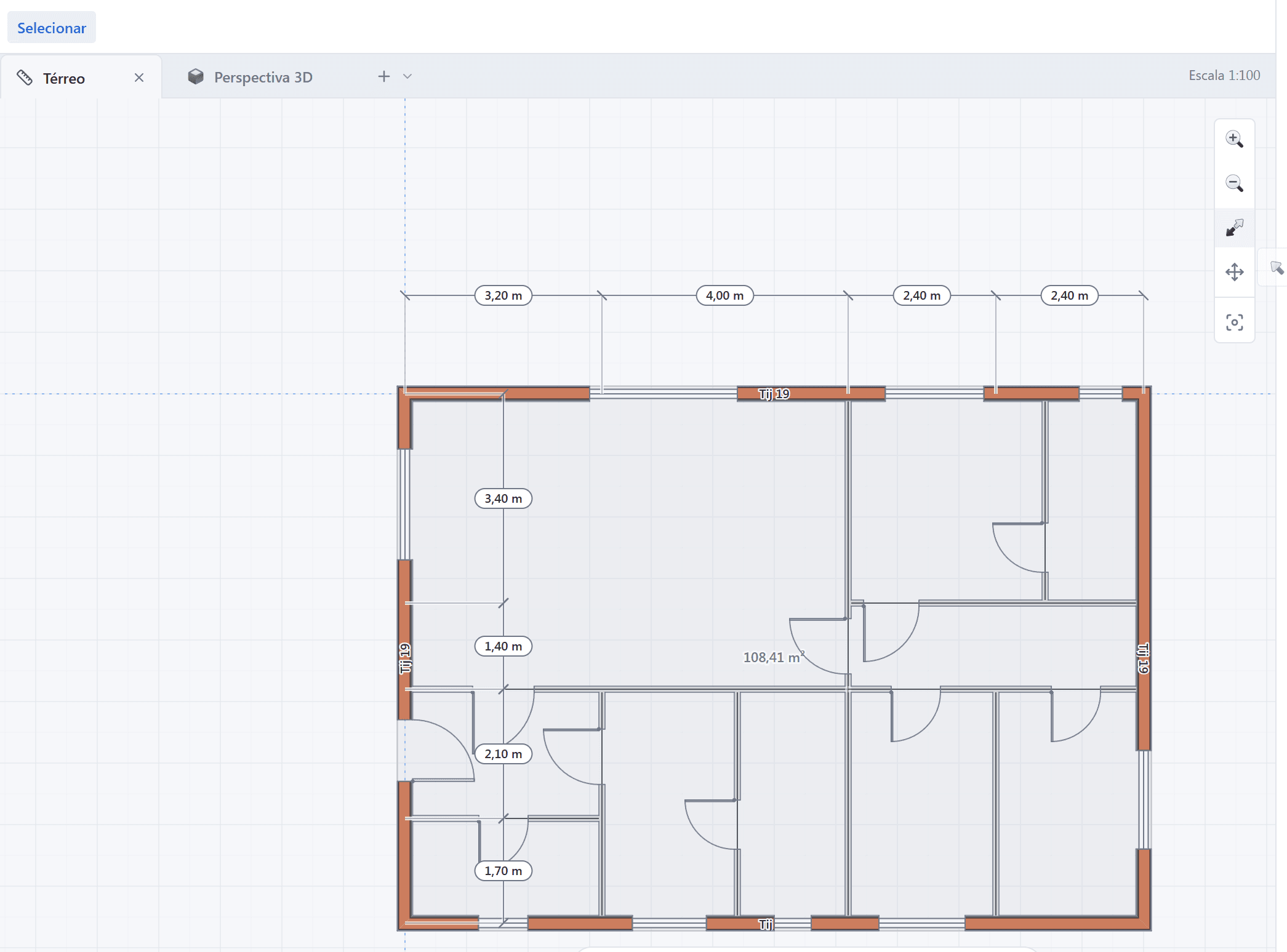
Architects think in plan. The intuition, the circulation, the proportion of the rooms, the sizing of the openings — all of it happens in the two-dimensional drawing. Even so, most modern software forces you to start with the volume, as if the plan were a consequence.
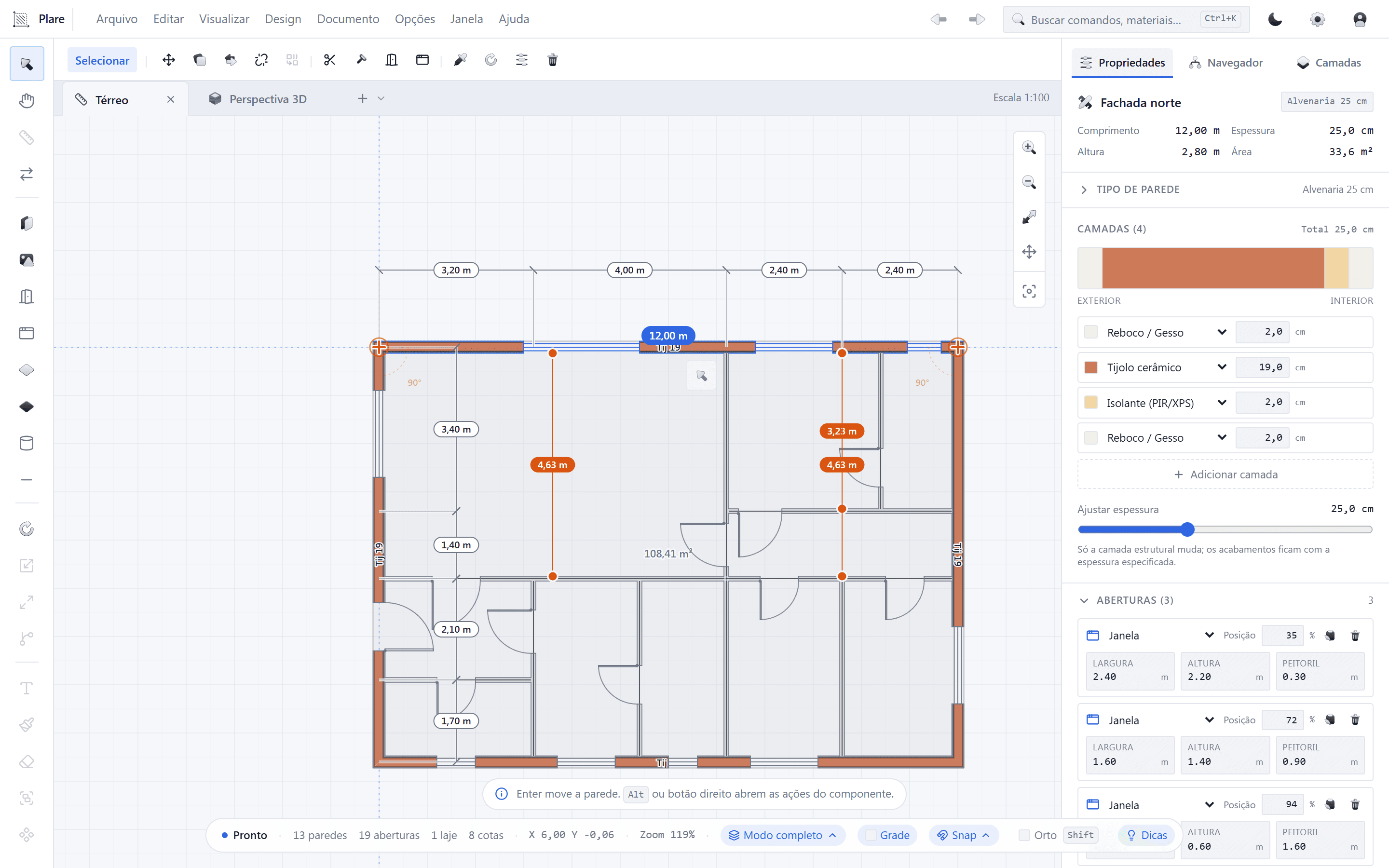
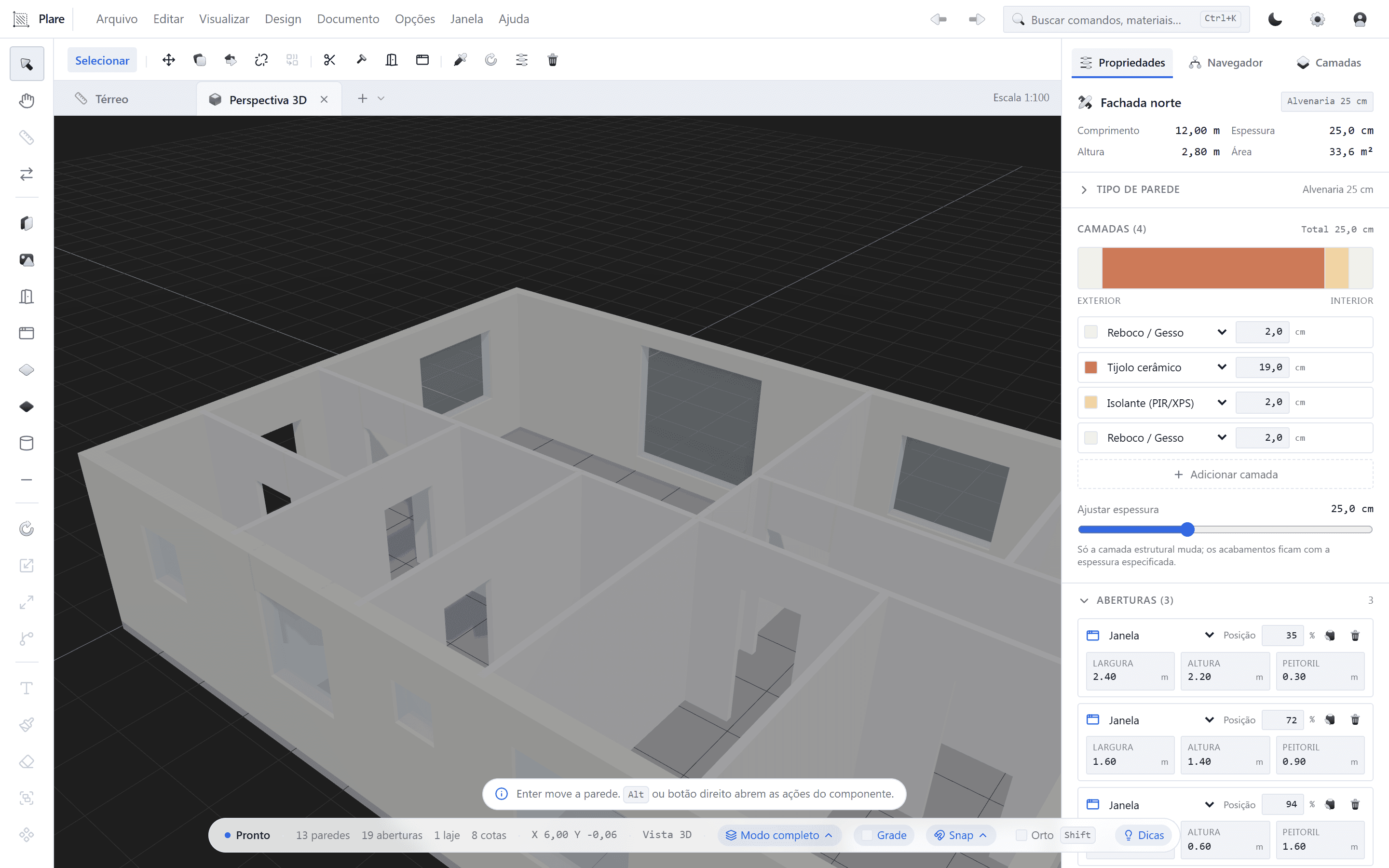
Plare starts from the opposite observation: the plan is the source, the 3D is the consequence. You place a wall and watch it gain height in the same window. You insert a door and the opening appears in the volume. There is no “generate 3D” button because there is no moment when the 3D is not there.
Why it matters
In the traditional CAD workflow, plan and 3D are two different products: one is the technical representation, the other the sales representation. Keeping both consistent is manual work — and that is exactly where the hours you never bill live.
In the traditional BIM workflow, the 3D is the source and the plan is derived — which solves consistency but forces you to think the way the software thinks: in parametric objects, families and views, instead of thinking in plan.
Plare tries to keep the consistency of the second without inheriting the friction of the first.
How it works, under the hood
Plare’s model stores elements with meaning: a wall has thickness, height, alignment and ends; a door belongs to a wall and opens a gap in the volume; a window has a sill and a head height. Because the elements know what they are, the software can:
- Build the solid geometry from the plan elements, without depending on you drawing faces.
- Handle the joins between walls automatically — that corner you would have to clean up by hand in CAD.
- Recalculate everything instantly when you move, stretch or delete anything.
Because the core is native and the interface only shows what matters for the current task, the response stays immediate as the project grows.
No promise of magic
What you gain in practice
- Faster approval. A client who does not read a plan understands a volume. Showing the 3D at the first meeting brings forward decisions that today arrive at the third.
- Revision without a cascade. Changing a layout no longer means redoing plans, sections and elevations separately.
- Fewer interpretation errors. What the client approved is what is modeled — not a reading they made of parallel lines.
- Free working memory. With no dozens of open panels, you pay attention to what you are drawing.
- Zero cost to experiment. During the Closed Beta, access is free — you can test on a real project without touching the budget.
What Plare is not (yet)
Transparency is more useful than a promise. At this stage of the Beta, Plare:
- Is not a multidisciplinary coordination suite with worksharing between structure and MEP.
- Does not open proprietary formats such as .rvt or .pln — exchange happens via DWG and IFC.
- Is not a photorealistic renderer or an organic modeler.
- Does not run on macOS at this stage (the core is cross-platform and support is on the roadmap).
What it is: a lean tool for designing architecture in plan, with the volume born alongside — and one that improves every month based on the people using it.
Formats and interoperability
Designing in a tool cannot mean being locked into it. That is why Plare speaks the language of the market:
- DWG — receive a plan from a client, work on it and return it in the same format.
- IFC — exchange the model with information with those who use BIM, without depending on proprietary conversion.
How to try it
The fastest path is to use a project you already know: take a recent plan, draw it in Plare and watch how long it takes until the volume is standing. Then move things around — move a wall, swap a door’s position, change a room — and see the 3D follow.
Access to the Closed Beta is free and seats are released in order of signup on the waitlist.
Try Plare in the Closed Beta
Leave your email and get your invite before the public launch. Seats are released in order of signup.
Disclosure: this blog is maintained by the team building Plare. Comparisons are written from public documentation and everyday use of the tools mentioned — when a competitor is the better choice for a scenario, we say so. Plare features still in development may change before launch.
Frequently asked questions
- Do I need to model in 3D at any point?
- No. The floor plan is the source. You place walls, doors and windows in 2D and the volume is built automatically by Plare, in real time.
- Is changing the plan after the 3D is done a lot of work?
- That is exactly the point of the single model: because the 3D is derived from the plan, moving a wall updates the volume with it. There is no second model to keep in sync.
- Is Plare good for presenting to the client?
- Yes. Because the volume follows the drawing, you show the project in 3D at the very first meeting, without exporting to another program or rendering before the layout is approved.
- Can I export to DWG and IFC?
- Yes. DWG for exchange with those working in CAD and IFC for exchange with those working in BIM. You are not locked into a proprietary format.
- Does it run on any computer?
- Plare was written with a focus on native performance, to respond well on modest machines. Even so, as with any design tool, memory and an SSD make a difference on large files.
- Does Plare already replace my current tool?
- In architectural design, for many practices, yes. In heavy detailing and multidisciplinary coordination, evaluate case by case — Plare is in Closed Beta and the feature set evolves every month.