Quick answer: Plare or ArchiCAD?
ArchiCAD has an advantage few software products manage to build: decades of reputation among architects. Launched in the late 1980s, it was one of the first to take seriously the idea that you model a building and extract the plans, sections and elevations from it — not the other way around. Those who grew professionally with it usually defend the tool with good reason: the quality of the generated 2D is excellent and the interface is far friendlier than Revit’s.
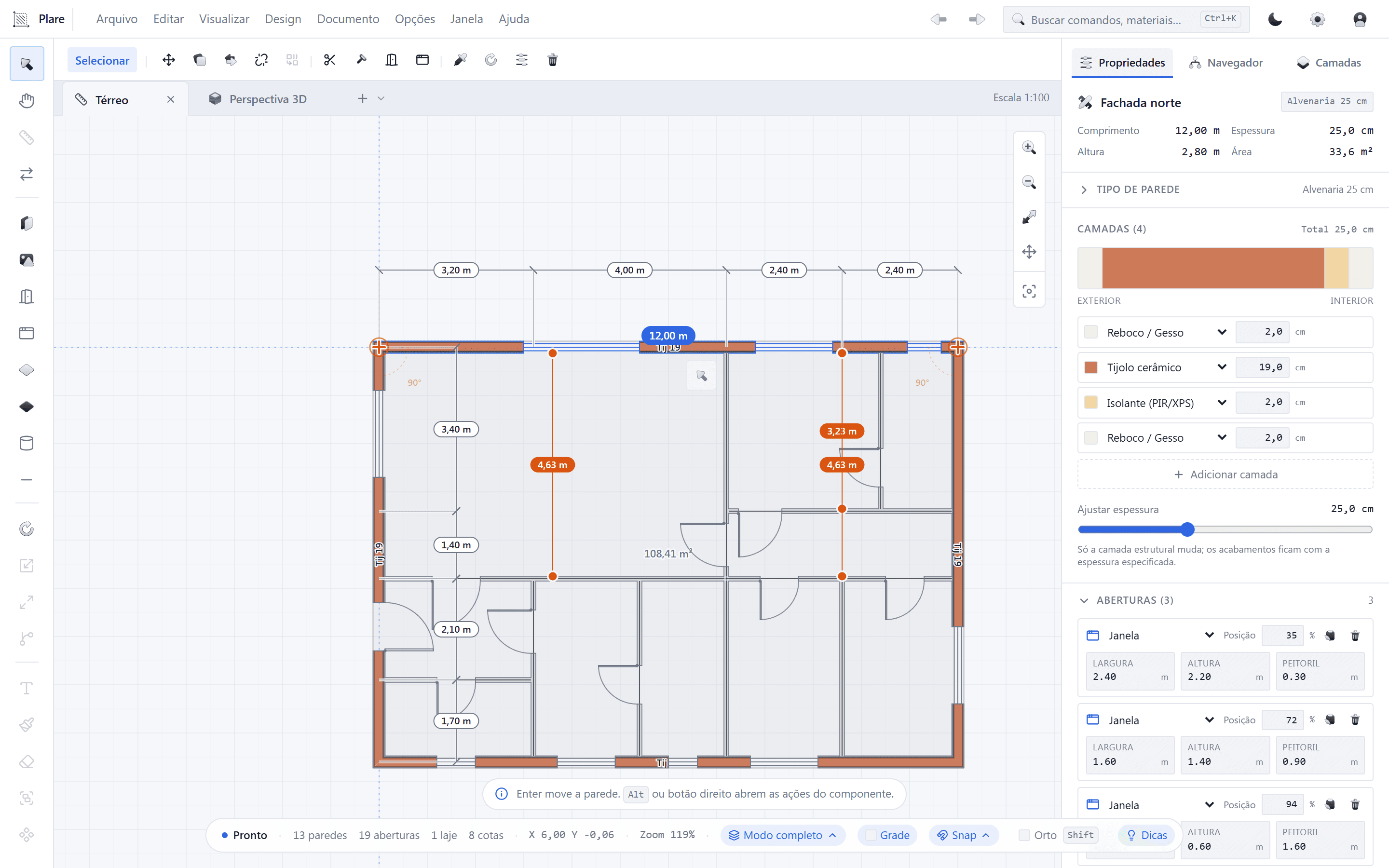
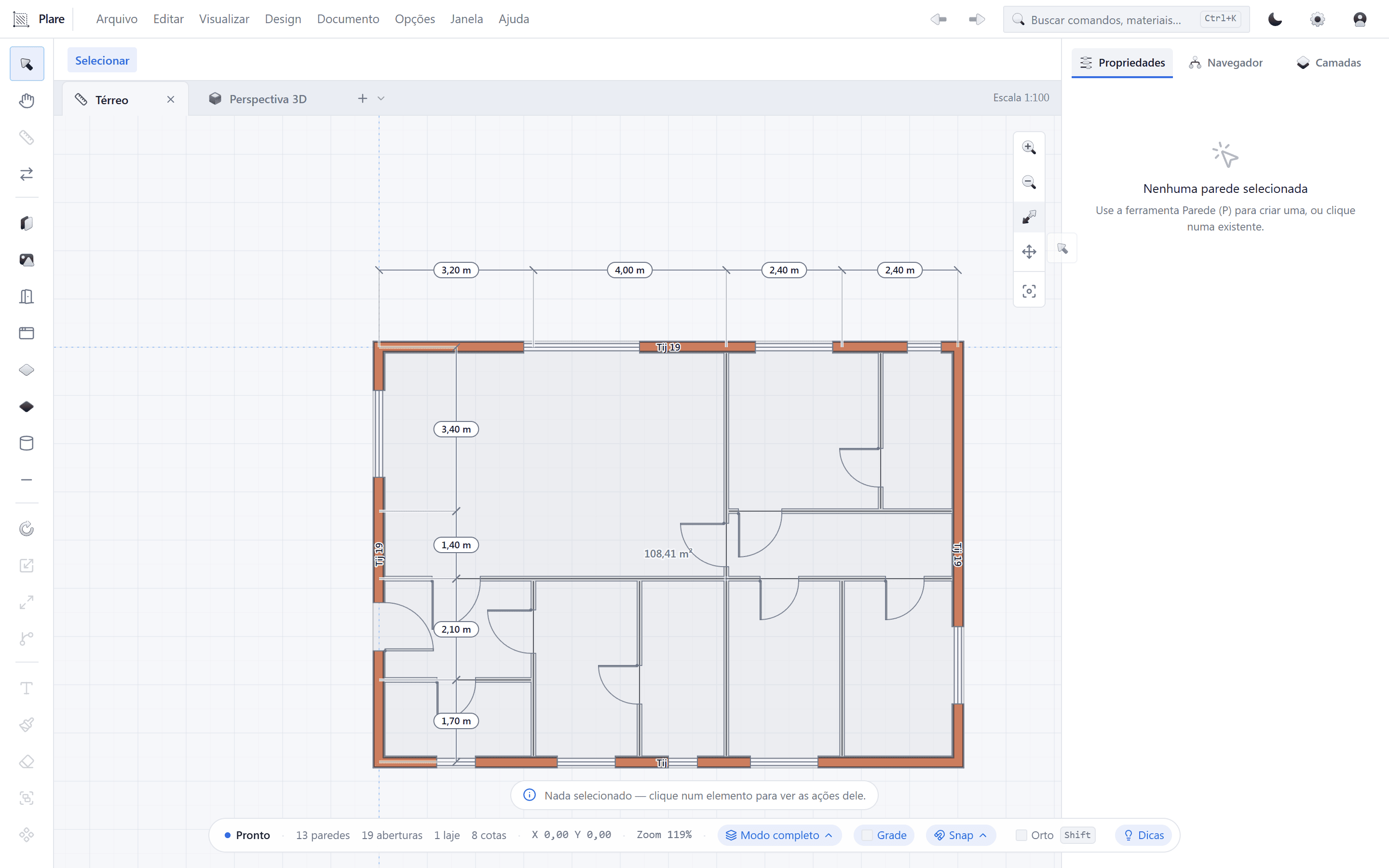
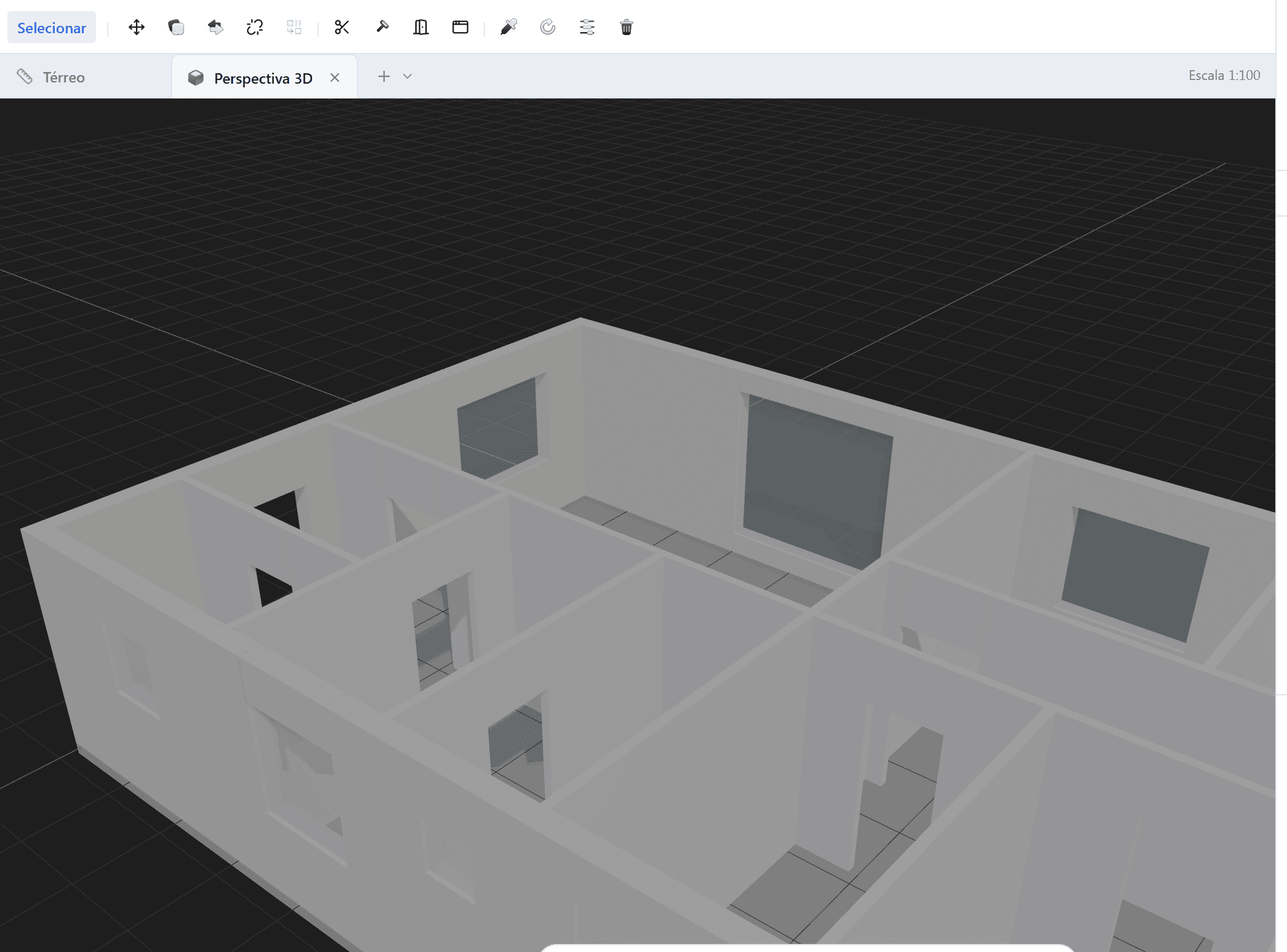
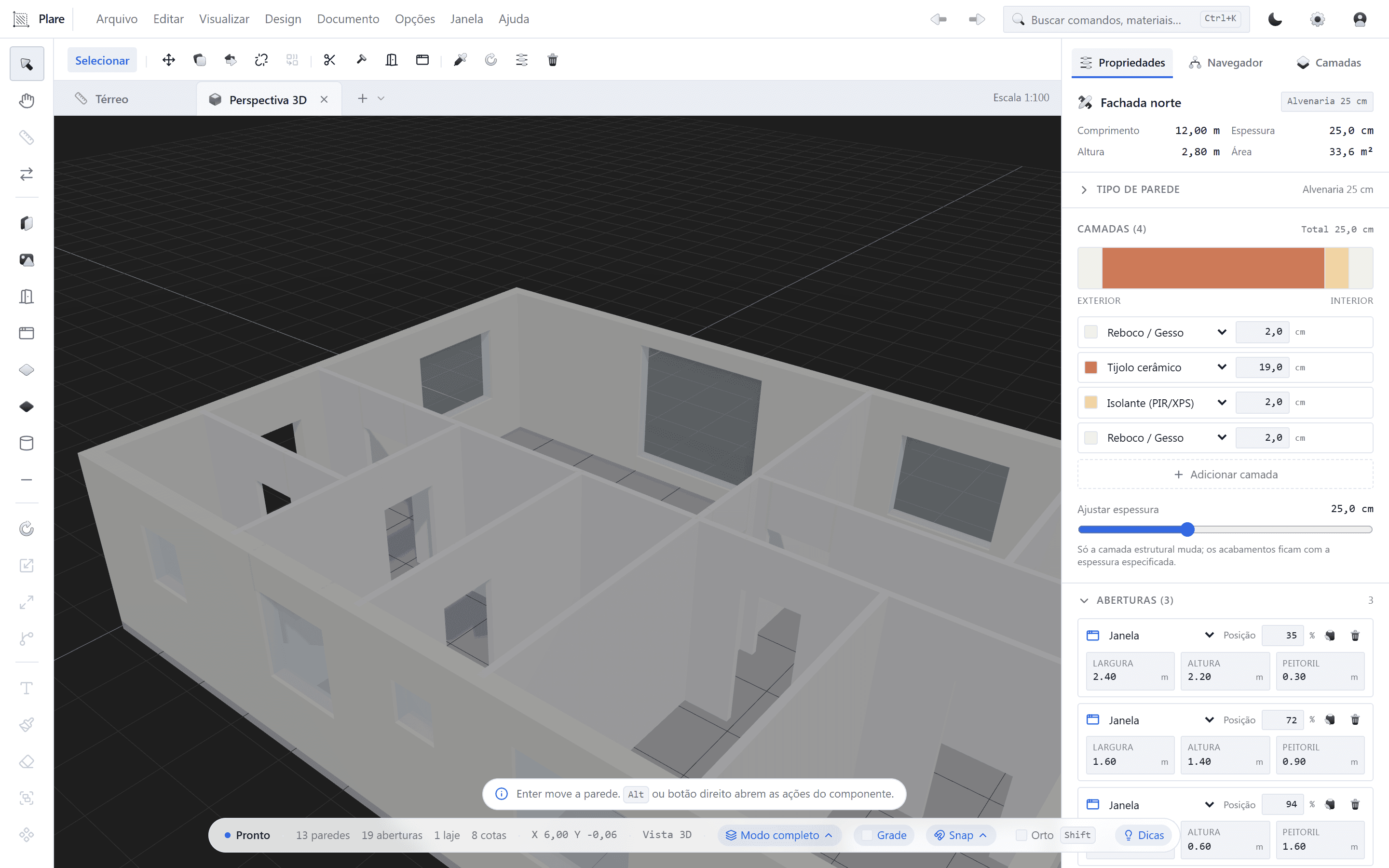
Plare starts from the same principle — a single model that feeds everything — but gets there by another route: instead of asking you to model a building in 3D, it lets you draw the floor plan the way you always have, and generates the volume in real time. For anyone who thinks in plan, that removes an entire step of mental translation.
Plare vs ArchiCAD: comparison table
| Criterion | Graphisoft ArchiCAD | Plare |
|---|---|---|
| Philosophy | 3D building model as the source of documentation | Floor plan as the source; the 3D appears in real time |
| 2D documentation | Excellent — rich detailing and sheet finish | Focused on the essentials of the architectural design |
| Interface | Organized, but dense (many panels and dialogs) | Minimalist — shows the context of the current task |
| Learning curve | Medium to steep | Gentle — the basics come out in the first session |
| Platforms | Windows and macOS (native) | Windows in the Beta |
| Libraries | Mature, customizable object library (GDL) | Essential library, still expanding |
| Interoperability | DWG, IFC, BIMcollab and the like | DWG and IFC |
| Performance | Good, with slowdown on very large models | Light native core, consistent response |
| Updates | Annual version cycle | Monthly releases |
| Price | Commercial licence (with a history of perpetual + subscription) | Free during the Closed Beta |
Qualitative comparison based on public documentation and day-to-day use of the software. Prices change often — always check the official site before deciding.
Where ArchiCAD is better
There is a kind of practice ArchiCAD serves like no other: the one that produces detailed authorial designs, with polished sheets, and has already invested years building libraries and templates. In those cases, switching software has a high cost and doubtful gain.
- Quality of the generated 2D. Sections, construction details and graphic finish come out of the model with little manual intervention.
- Native Mac. For practices that work on macOS, ArchiCAD has always been one of the few first-rate BIM options without workarounds.
- GDL objects. The library is extensive and, better still, customizable — you can create components with their own behavior.
- Mature interoperability. IFC support is historically strong, which makes exchange with engineers and construction firms easier.
- Established community. Forums, courses, third-party libraries and a base of loyal users.
ArchiCAD — strengths
- Top-quality 2D documentation
- Runs natively on Windows and macOS
- Mature and customizable object library
- Solid IFC for exchange with other software
- Friendlier interface than those of direct competitors
ArchiCAD — limitations
- Commercial licence with a significant cost per workstation
- Interface still dense for those who just want to draw
- Updates on an annual cycle
- Demands a reasonable machine on large projects
- Medium-to-steep learning curve for advanced features
Where Plare is better
Plare does not try to beat ArchiCAD on detailing depth — at least not now. Where it wants to win is on time to first result.
- From idea to volume in seconds. You place walls in the plan and the 3D appears alongside, with no view regeneration and no waiting for processing.
- An interface that does not fight you. Fewer panels, fewer dialogs, fewer decisions before you start drawing.
- Lightness. The executable is native and lean, which matters a lot for anyone working on a laptop.
- Zero cost to test. The Closed Beta is free — you evaluate it on real projects without straining your budget.
- Monthly evolution. Fixes and features arrive every month, based on the people using it.
Plare — strengths
- 2D plan and 3D volume in the same gesture, in real time
- Short learning curve
- Light on modest hardware
- Monthly updates guided by feedback
- Free during the Closed Beta
Plare — limitations
- In Beta: features may change before launch
- Does not open .pln or .rvt — exchange via DWG/IFC
- Smaller component library than ArchiCAD’s
- No macOS at this stage of the Beta
- Detailed documentation still under construction
2D documentation quality
This is where ArchiCAD built its fame — and it is good to be honest about it. When the project demands refined construction detailing, with a hierarchy of information that goes from the general section to the window frame detail, ArchiCAD delivers a level of control that Plare does not yet pursue at this stage.
What Plare does well is the 2D of the design: a legible, dimensioned floor plan, with walls, doors, windows and rooms consistent with the 3D model the client will see. It is the volume of documentation that accounts for most residential, interior and small commercial projects.
Mac, Windows and hardware
If you work on a Mac, ArchiCAD solves today what Plare does not yet solve: it runs natively. Plare is in Beta on Windows, with the cross-platform core already prepared for the next phases.
In both cases, the usual rule applies: memory and an SSD make more difference than a graphics card in most architecture projects. Plare’s advantage is demanding less from the machine to deliver the same fluidity.
Price and licensing
ArchiCAD is a consolidated commercial product, with a licence per workstation and, historically, the option of a perpetual licence — something that has always attracted practices that do not want to depend on a subscription. Since commercial policies change, confirm the current model on the official site.
Plare is free during the Closed Beta, with invites released in order of signup. The long-term plan is to keep an affordable entry plan, with monthly updates included instead of charging per annual version.
How to compare without getting it wrong
Who each software is for
- Stay with ArchiCAD if you already have your own templates and libraries, work on Mac, need refined construction detailing or serve clients who require the native file.
- Try Plare if your bottleneck is the study phase — how many times you redo a layout before settling on the final one —, if you want to show the volume to the client earlier, or if you want to reduce the licence cost per workstation.
- Combine the two if you want the best of both worlds: iterate in Plare, document in ArchiCAD, exchange via DWG/IFC.
Verdict
ArchiCAD is a mature tool, loved by architects and excellent at what it sets out to do. If your practice is already established on it, switching now rarely pays off.
Plare is for those who feel their current software charges dearly — in money, in loading time or in complexity — for something that could be simple: draw the plan and watch the building appear. Since the Beta is free, the only thing the test costs is the time to open the program.
Try Plare in the Closed Beta
Leave your email and get your invite before the public launch. Seats are released in order of signup.
Disclosure: this blog is maintained by the team building Plare. Comparisons are written from public documentation and everyday use of the tools mentioned — when a competitor is the better choice for a scenario, we say so. Plare features still in development may change before launch.
Frequently asked questions
- Is ArchiCAD better than Revit for architects?
- Many architects think so, because of the friendlier interface, the history of perpetual licensing and the quality of the 2D documentation generated from the model. Revit has the edge in multidisciplinary coordination and in the market's demand for .rvt files.
- Does Plare run on macOS?
- The Closed Beta runs on Windows. Plare's core is cross-platform and macOS is planned for the next phases — confirm availability in your invite.
- Does Plare open ArchiCAD files (.pln)?
- Not directly. The exchange between Plare and ArchiCAD happens via DWG and IFC, which is precisely the neutral format created to interoperate between different software.
- Does ArchiCAD offer a perpetual licence?
- Historically ArchiCAD offered a perpetual licence alongside the subscription, which was always a differentiator against the subscription-only model. Since commercial policy changes, confirm the current options on the Graphisoft site before buying.
- Which one is faster for schematic design?
- For layout and volume studies, Plare's approach — drawing in plan and seeing the 3D appear in real time — tends to shorten the iteration cycle. ArchiCAD responds better once the project has advanced and you need detailed documentation.
- Can I use ArchiCAD and Plare on the same project?
- Yes. The most common workflow is to study and iterate in Plare and take the geometry into ArchiCAD via DWG/IFC for the documentation and detailing stage.