Rotate
Rotate the selection — drag or type the angle.
Step by step
1. Choose Rotate and click the partition to turn.
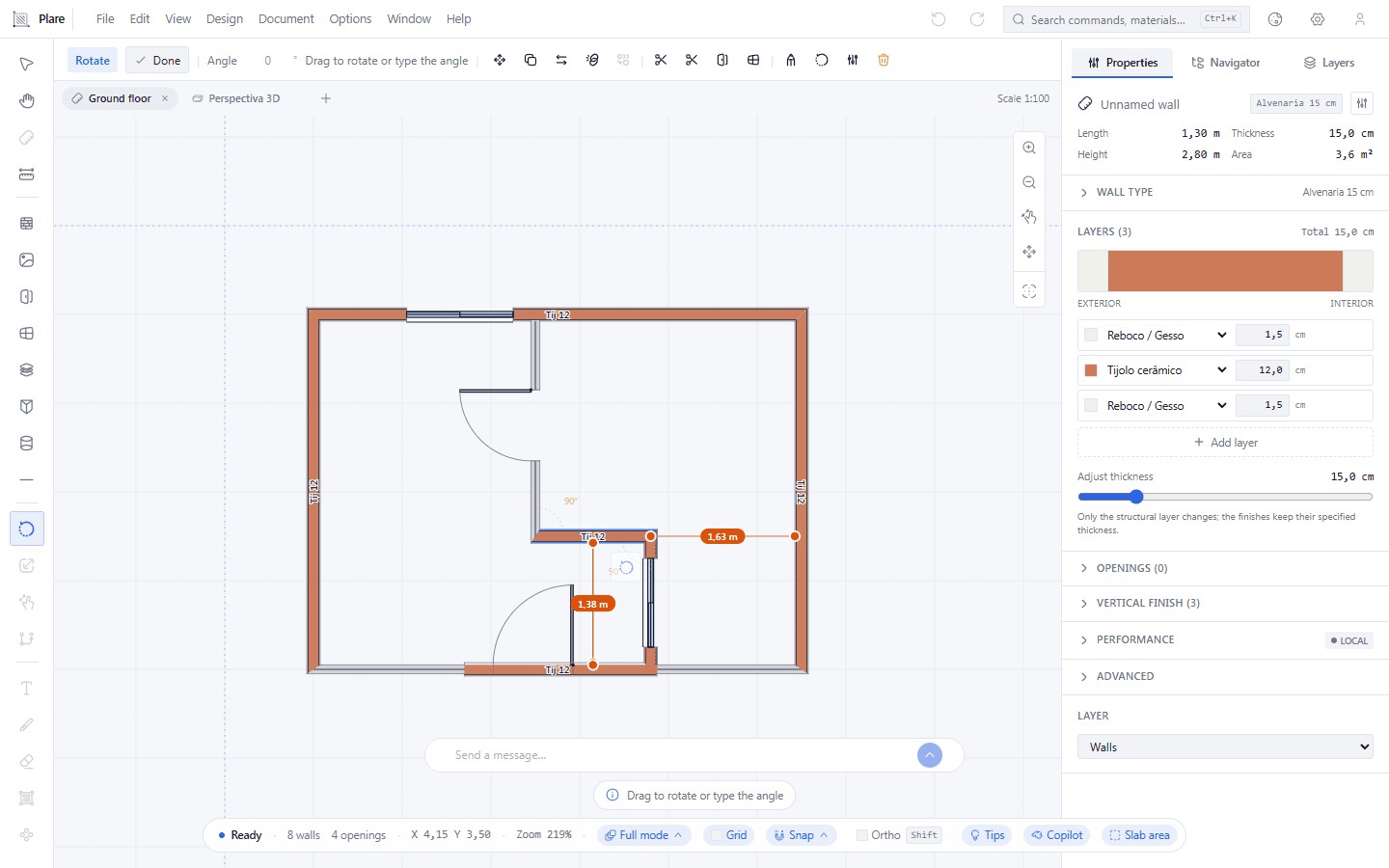
With Rotate active the partition is picked, and the bar carries the Angle field with the prompt to drag. The turn happens about the centre of the selection, not the click.
2. Drag to rotate.
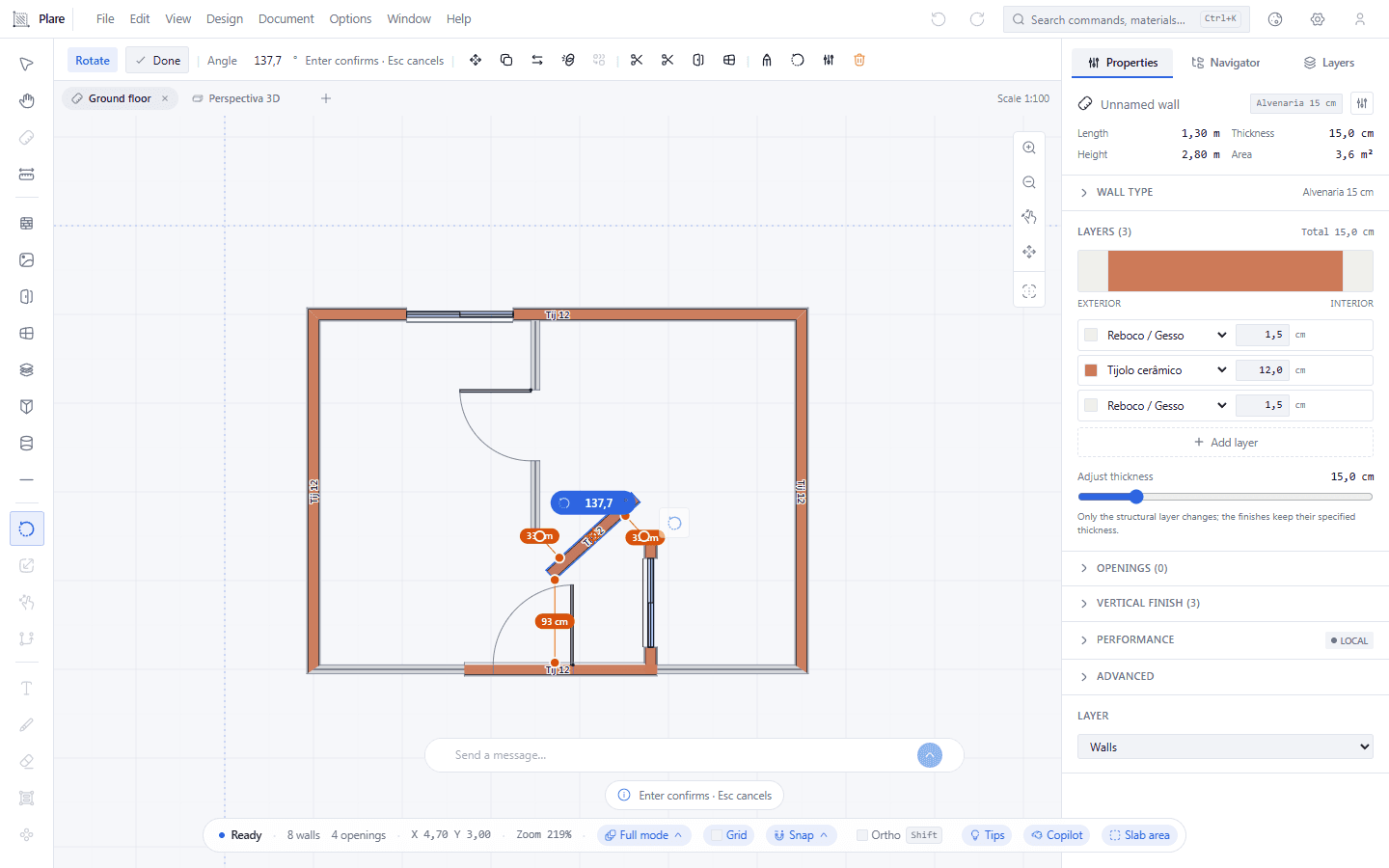
Halfway through the drag a pill shows the angle at the centre of the selection and the button is still held down — the partition follows the cursor as you move it.
3. Release and press Enter to confirm.
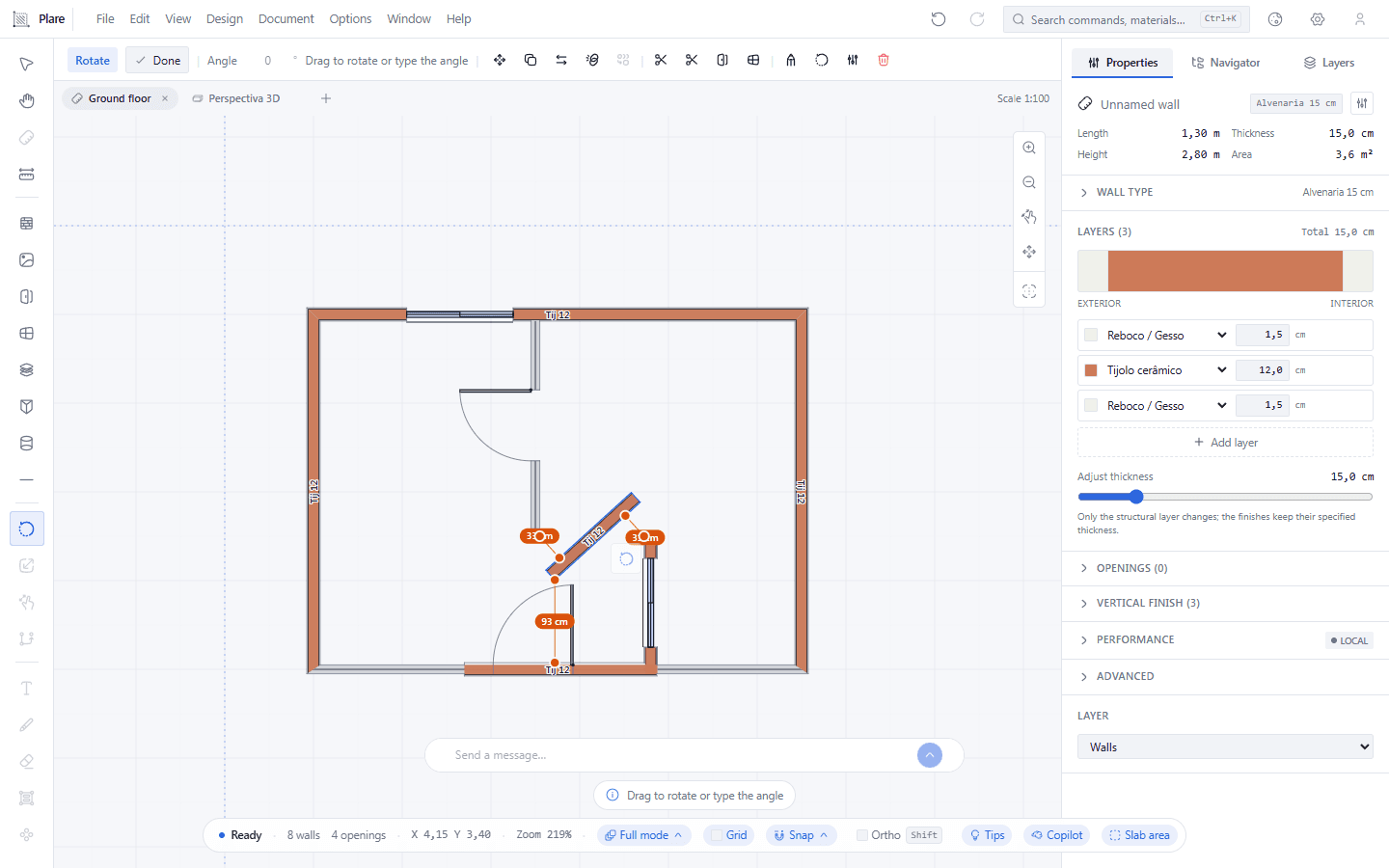
The partition stays turned in place, and the bar returns to zero with the invitation to drag again — or to type the angle.
Worth knowing
- Rotation is around the centre of the selected group, not around the click.
- The angle can be negative (anticlockwise).
- For precision, type the angle: 90 for perpendicular, 180 for opposite.