Window
Cut a window into the span of a wall already drawn.
Step by step
1. Choose Window and aim at a wall.
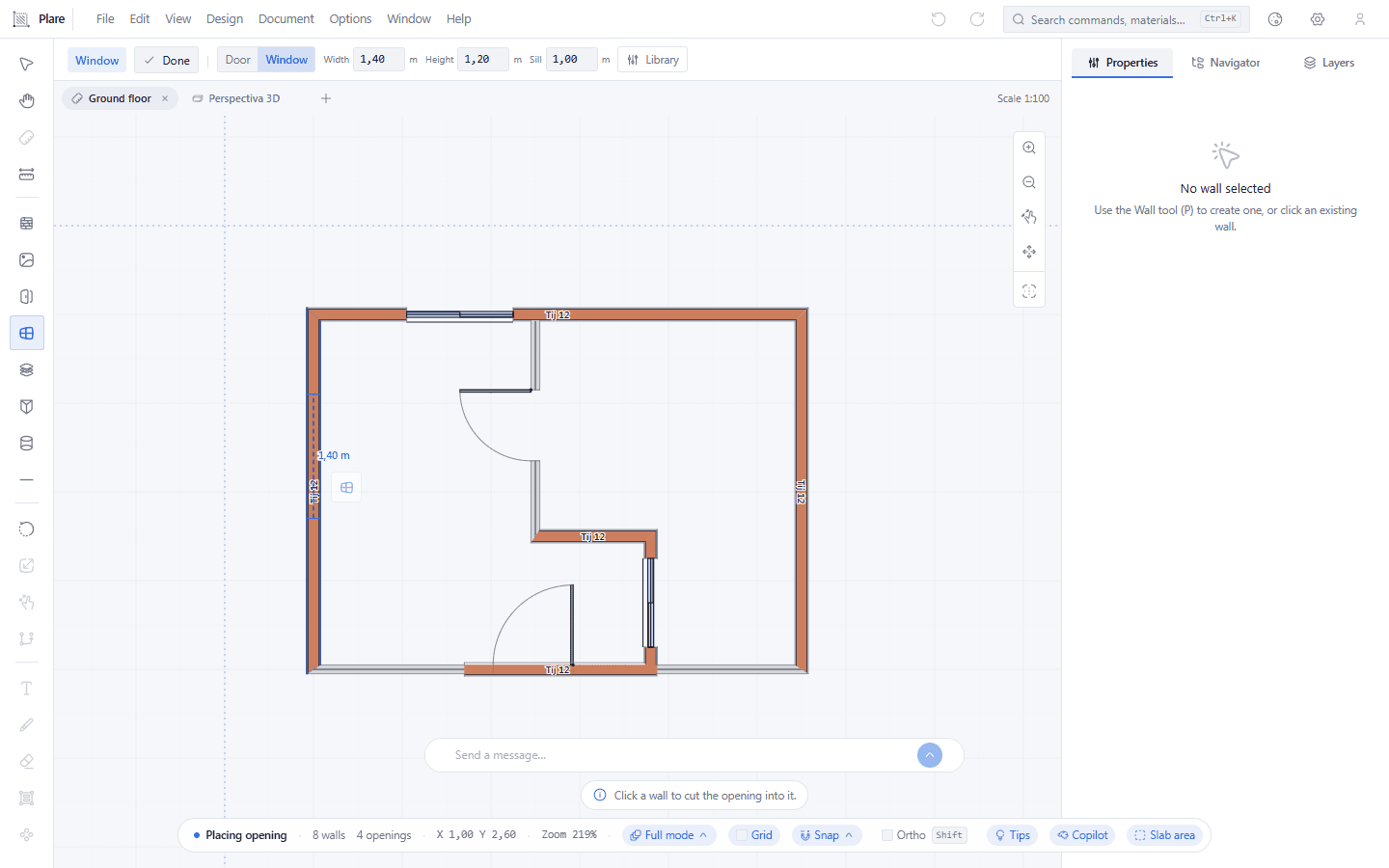
The span appears under the cursor, on the west wall. The bar is the door's bar with one swap: Sill where the door has its threshold — the height at which the span starts above the floor.
2. Click to place the window.
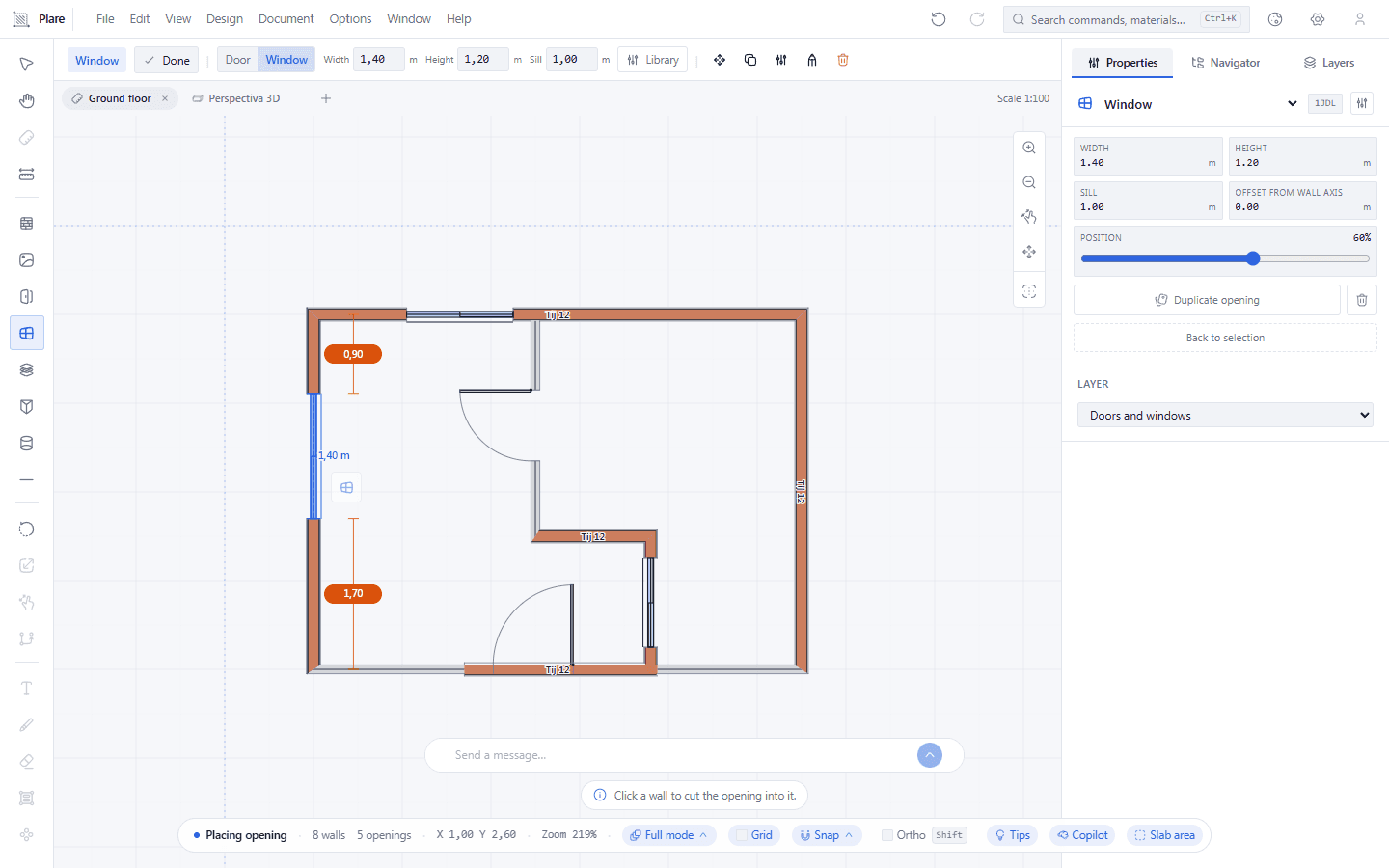
The click cuts the 1.40 m × 1.20 m window and the wall opens the span. It is exactly the door's gesture; what tells the two tools apart is what the span carries, not the hand that draws it.
3. Select the window to adjust its measurements.
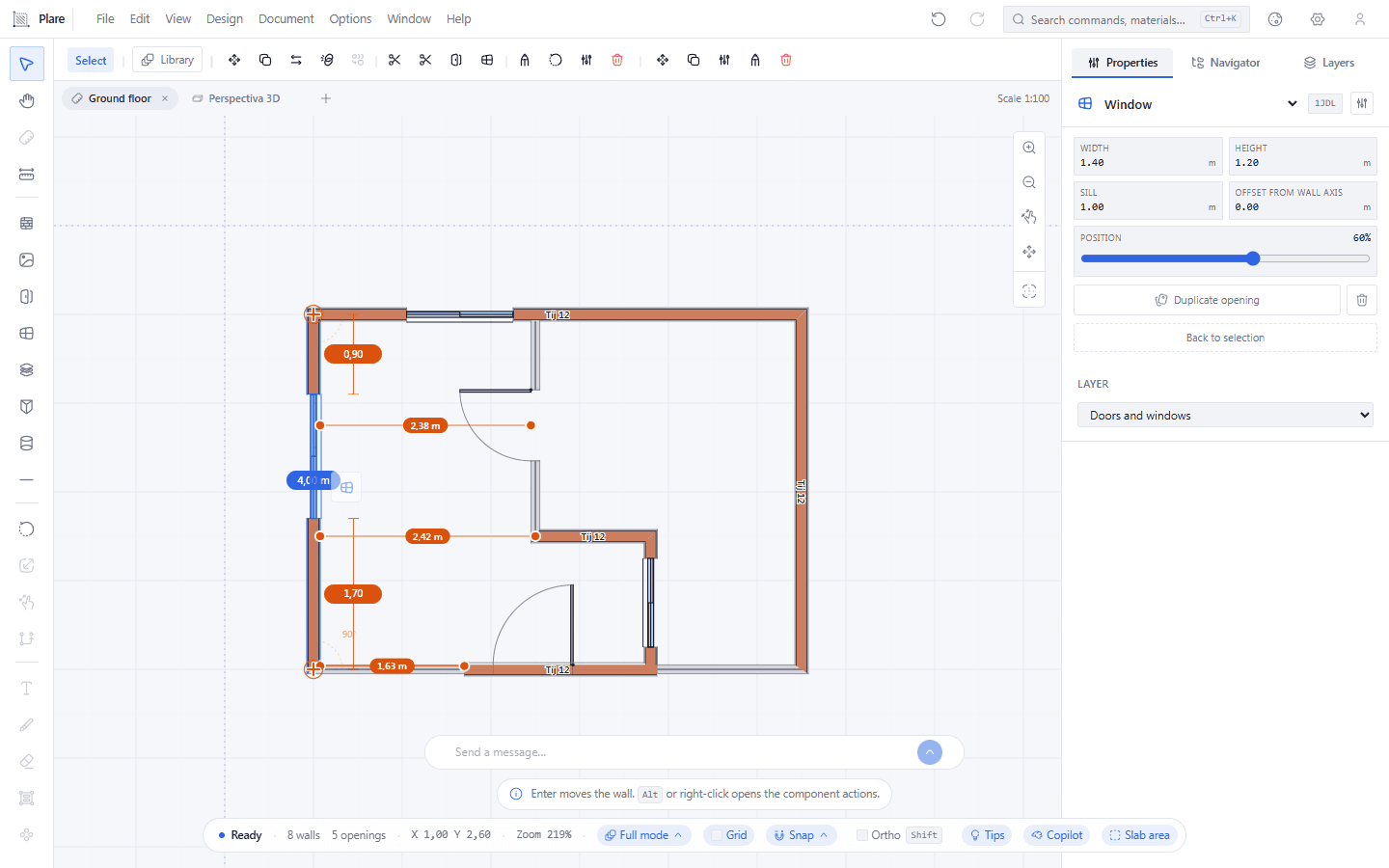
With Select active, the Properties inspector shows the chosen window: the wall hosting it and the measurements — width, height and sill. This is where the values are corrected once the span is already open.
Worth knowing
- A window is a span inside the wall, not an independent object: deleting the wall takes the window with it.
- Default: 1.40 m × 1.20 m, with the sill 1.00 m above the floor.
- The sill is what distinguishes a window from a door — it is the height at which the span starts, not the height of the span.
- With no wall under the cursor there is nothing to cut into; the tip bar warns instead of doing nothing.